How to photograph electricity and water meter readings
Updated · 5 min read
To photograph electricity and water meter readings, shoot each meter on the same day every month, close enough to read every digit, with the room or unit number and the date visible on the photo, and send it to the other party that day. The iPhone Camera keeps the time only in the file's hidden data, so either write the date and unit on the photo or use a camera that stamps the date and time onto the picture, such as Stampzy.
Utility bills are a small amount of money and the most common argument between landlords and tenants: “what was last month's reading?”, “why did it jump so much?”. A clear photo with the date and the unit, sent on schedule every month, settles most of those questions before they start. This guide covers how to shoot a meter, a routine with only the iPhone's own apps, and how to file the photos so you can find any month in seconds.
What should a meter reading photo show?
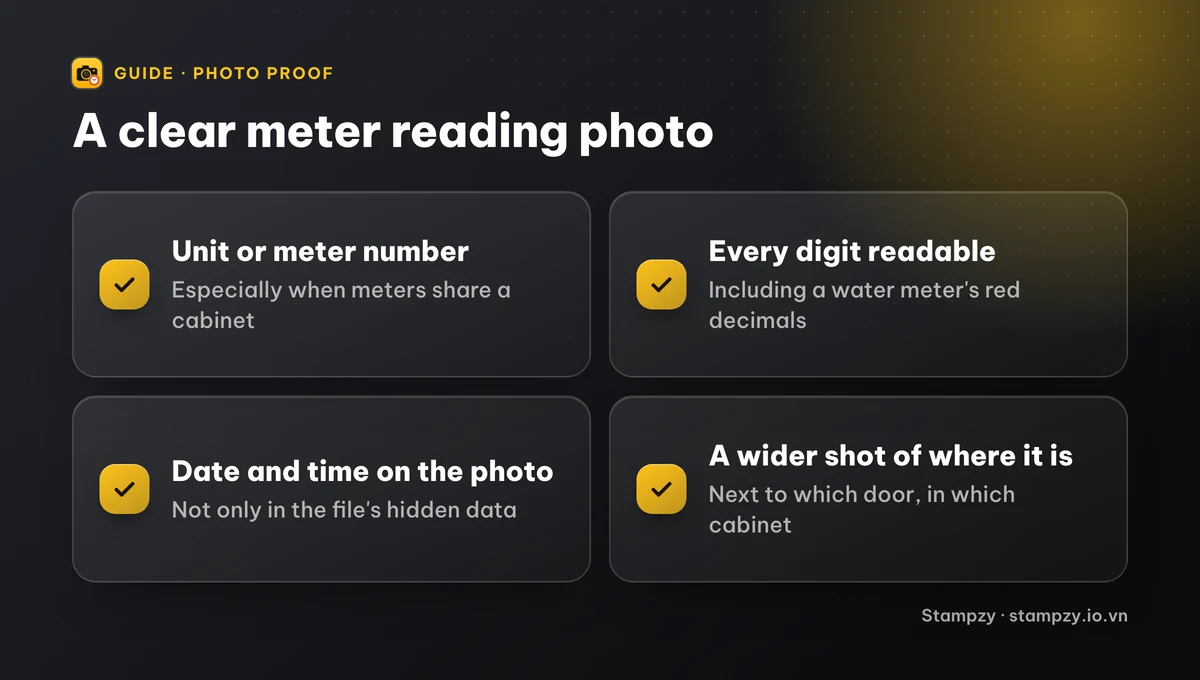
A good reading photo answers four questions without anyone having to ask:
- Which meter: the room or unit number, or the serial number printed on the meter, especially when several meters share one cabinet.
- What it reads: every digit legible, including the red decimal digits on a water meter.
- When: the date and time, shown on the photo rather than hidden in the file's data.
- Where: the building's address, useful when one person manages several properties.
Take one wider photo as well that shows where the meter is (next to which door, in which cabinet), so nobody confuses one unit's meter with the one next to it.
How do I take a meter photo you can actually read?
1. Wipe the glass if it's dusty, wet or covered in cobwebs.
2. Stand square to the meter and hold the iPhone parallel to the glass, so the digits aren't distorted.
3. Tap the digits to focus. If there's glare, tilt the phone slightly or turn the flash off; if the cabinet is dark, turn the flash on or light it from the side with another phone's torch.
4. Use 2× zoom rather than pushing the phone against the meter, so the photo stays sharp and still shows the whole dial.
5. Zoom into the photo right away and check every digit. If you can't read one, reshoot now rather than finding out when you work out the bill.
On a digital meter that cycles through screens, wait for the total energy reading (usually in kWh) before you shoot.
How do I record meter readings with just my iPhone?
You don't need an extra app to keep a tidy routine:
1. Pick a fixed day each month, such as the last day of the month, and set a repeating reminder in Reminders.
2. Photograph each meter with the Camera as above, unit by unit in the same order every time.
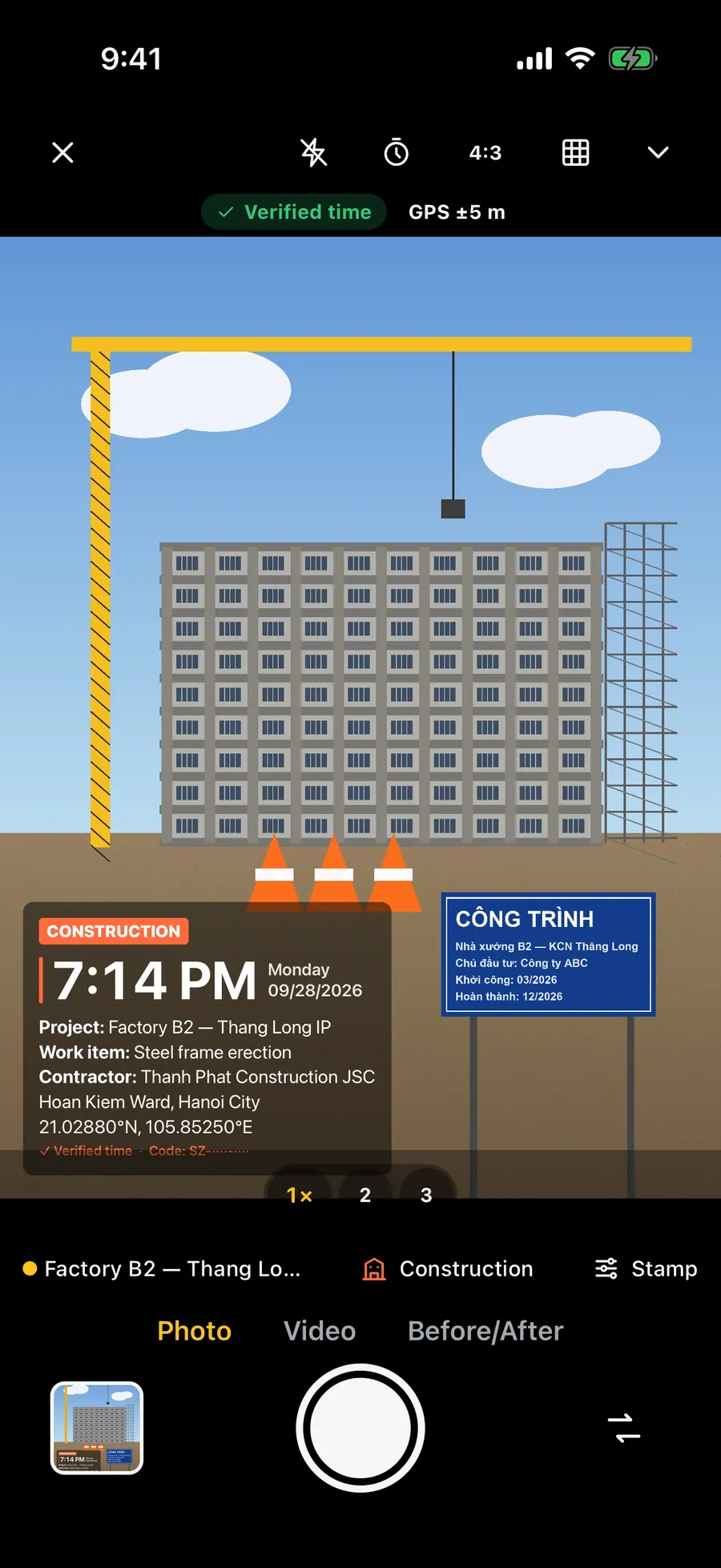
3. Open the photo in Photos, tap Edit and then the Markup pen, and write the unit number and date on it. The iPhone Camera doesn't print the date on photos; the time only shows when you swipe up on the photo, and it can be lost when the photo is sent through a chat app.
4. Copy the numbers into a table in Notes: one row per unit, with columns for the previous reading, the new reading and the usage. Live Text can read the digits from a photo: tap the text icon in the corner, then select and copy the number, but check it against the photo by eye.
5. Send the photos to the tenant or landlord the same day, by Zalo, WhatsApp or Messages, with a one-line summary: “Unit 203, electricity 4512, water 318, 30 Sep”.
How should I keep the photos so I can find them again?
- Keep the original photos on your phone or in a dedicated album, not only in the chat; photos sent through messaging apps are compressed and may lose their date data.
- Make one album per building or per year, with a plain name such as “Building 5 – 2026”.
- Keep at least the last few months, plus the move-in and move-out days. Those are the months people most often need to check.
- If a month's reading looks unusually high, open this month's and last month's photos side by side. Most differences come from a misread digit, the wrong meter, or a reading taken on a different day.
What can a reading photo do, and what can't it?
A reading photo is a clear record that both sides keep, which helps you agree on the number quickly. It doesn't replace the tenancy agreement or what you agreed about utility rates, and it can't show on its own that a meter is faulty. If usage rises unexpectedly, check the meter and the pipes or wiring together, and contact the utility company if needed.
Frequently asked questions
- Which day of the month should I read the meters?
- Any day, as long as it's fixed and both sides know it, for example the last day of the month or the day the tenancy started. Reading on the same day each month is what makes one month's usage comparable with the next.
- Does the iPhone Camera put the date on photos?
- No. The iPhone stores the time only in the file's data, which you see by swiping up on the photo in Photos. To show the date on the picture, write it with Markup or use a camera that stamps the date and time.
- Is a time-stamped meter photo proof?
- It's a clear record that helps both sides agree on the number, not a tamper-proof certificate. The surest step is to send the photo to the other party the same day, so you both keep the same copy.
- Should tenants photograph the meters too?
- Yes, especially on move-in and move-out days. When the landlord and the tenant both have photos from the same day, any difference is sorted out quickly.