How to take progress photos that actually compare, on iPhone
Updated · 5 min read
Progress photos only show progress if the only thing that changed is you. Keep the spot, the distance, the light, the clothes, the pose and the time of day the same, use the Camera's timer instead of holding the phone at arm's length, and look at the old photo before you take the new one. Change any of those and you compare the camera, not the person.
This works for body and fitness photos, and just as well for a garden, a renovation at home, a plant, a haircut or a project on your desk. It needs nothing beyond the iPhone Camera.
What has to stay the same from one photo to the next?
- The spot: a fixed mark on the floor, in front of the same plain wall or door.
- Distance and height: the phone at the same height (chest height is common) and the same distance, so the subject fills the same part of the frame.
- Lens and zoom: the same lens, 1× for example. Switching lenses changes proportions, not just framing.
- Light: the same window, the same lamps, the same time of day. Overhead or side light changes shadows and can make the same body look different.
- Pose and clothes: the same stance, relaxed rather than flexed, in the same fitted clothes.
- Orientation: all portrait, or all landscape.
How do I take them without holding the phone?
A selfie in a mirror changes the angle every time. Lean the phone on a shelf or a tripod at the same height and use the Camera's timer: open the Camera, tap the timer control and choose 3 or 10 seconds (the control sits in a menu in current iOS versions, so the exact place depends on your version), then press the shutter and step into position. The front camera is less sharp than the back one, so the back camera with a timer gives better detail.
Turn the grid on under Settings → Camera → Grid. The lines help you keep the horizon and doors straight and put your head and feet in the same cells every time.
How do I line a new photo up with the old one?
Memory is a poor guide to a position from a month ago. Three habits help:
- Mark the spot with tape and mark where the phone stood or leaned.
- Open the last photo on a second device or print it, and match fixed features at the edges of the frame: a door frame, a socket, the line where wall meets floor.
- Take the shot, then flip between the new and the old one in Photos before you decide it is good. If something jumps, retake it now.
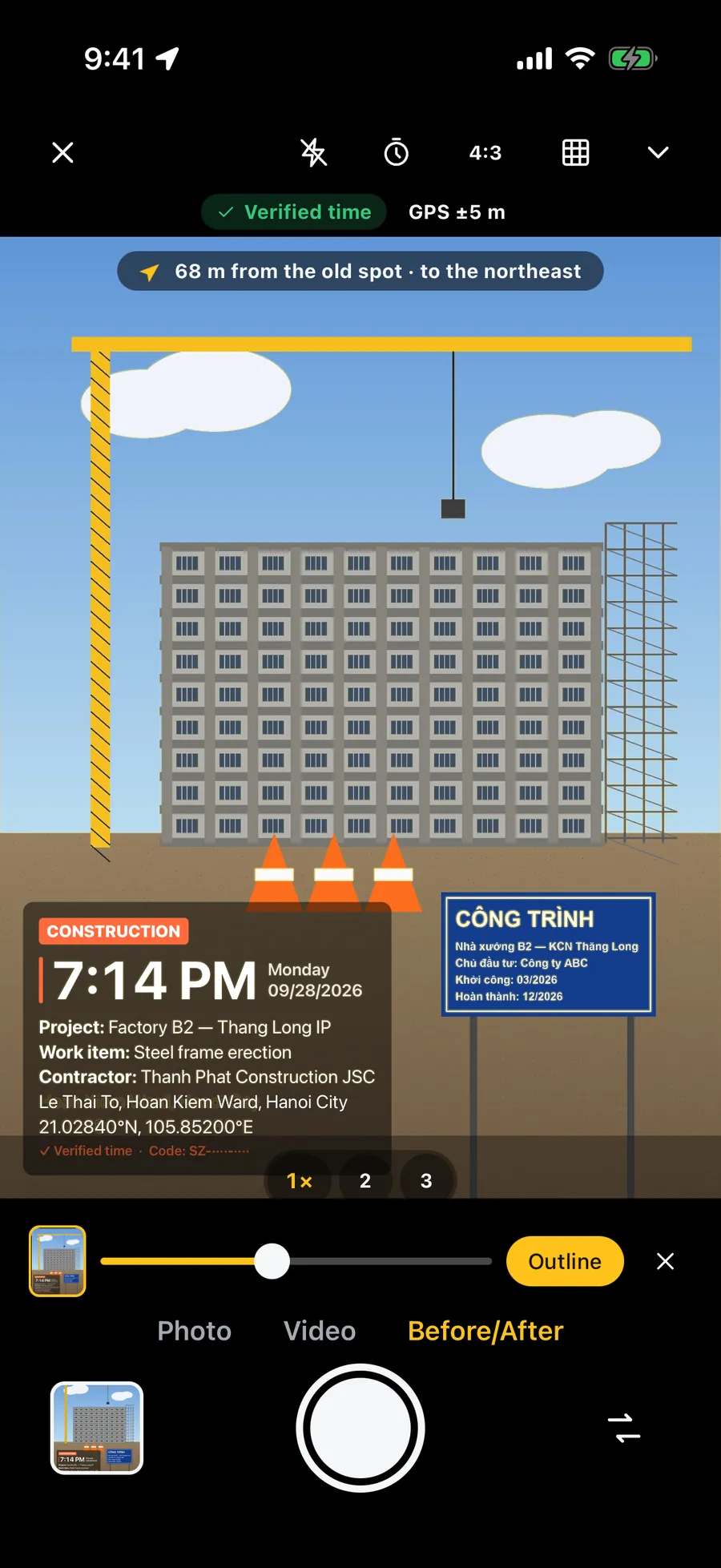
How often, and what else should I record?
Every week or two is enough for most people; changes are slow, and daily photos mostly show noise. Pick one day and one time and keep it: the same morning, before eating and after the same routine.
Write down the date and any number you track next to the photo, such as weight or a measurement, or the plant's height. A photo alone says little; a photo with a date and a number tells a story. Do not rely on file names or hidden data for the date: a photo that goes through a chat app often loses them.
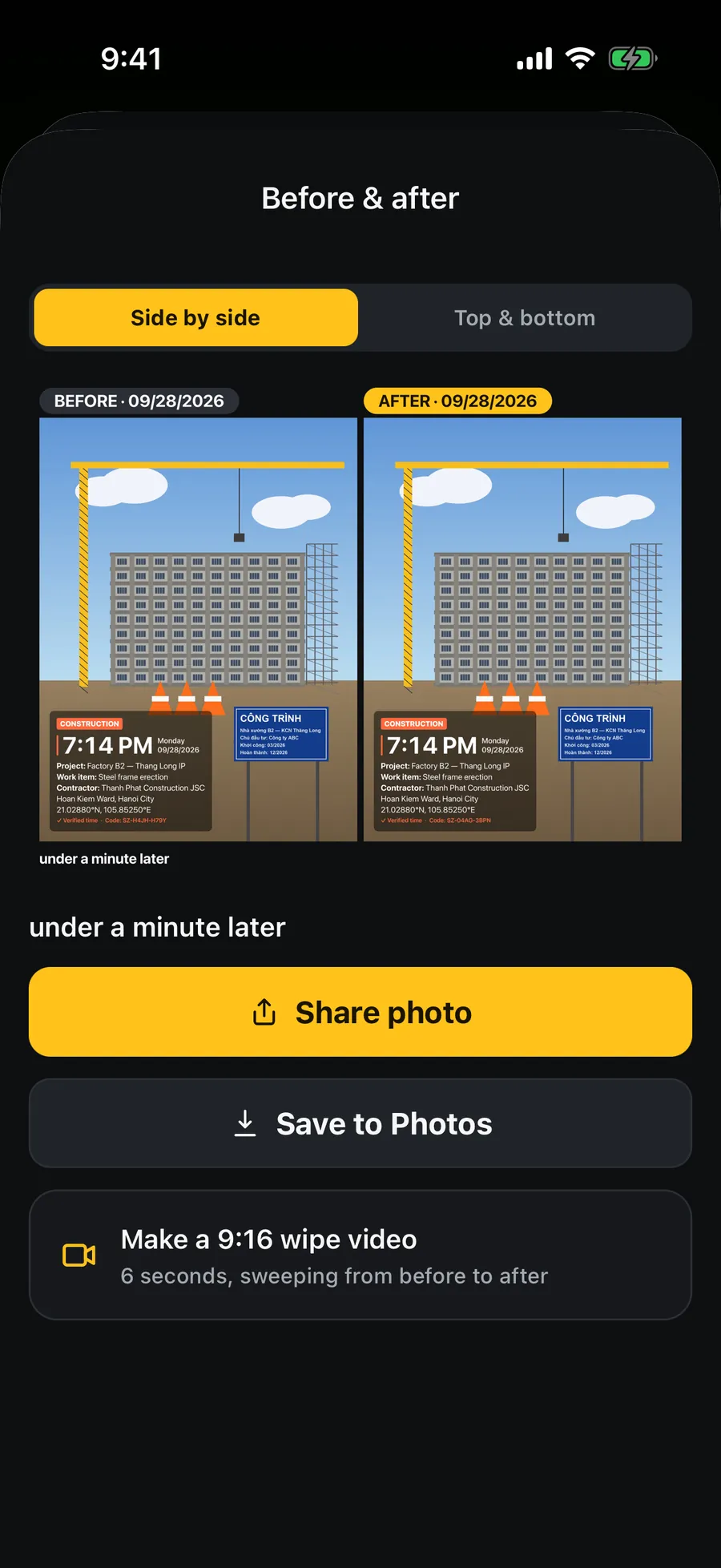
How do I keep progress photos private on iPhone?
These are personal photos, so decide where they live before you take the first one.
- In Photos, open a photo, tap the more (…) button and choose Hide. Since iOS 16 the Hidden album is locked behind Face ID, Touch ID or your passcode by default, and it stays out of the main library view. The exact wording depends on your iOS version.
- If you use iCloud Photos, the hidden photos sync with the rest of your library; check that is what you want.
- Before sending a photo to a coach or a friend, look at its location: Share → Options → Location off. If you took the photos at home, that location is your address.
What can progress photos not tell you?
Photos show how something looks in one light on one day; they say nothing about health. Water, time of day, posture and a bad camera angle change how a body looks within hours, so a single "worse" photo means little. Look at the trend over several weeks, and talk to a doctor or a coach, not a photo, about anything that affects your health.
Frequently asked questions
- How do I take progress photos with an iPhone by myself?
- Lean the phone on a shelf or a tripod at a fixed height, open the Camera, set the timer to 3 or 10 seconds, press the shutter and step into your marked spot. Use the back camera for sharper photos and the same spot, light and clothes every time.
- How often should I take progress photos?
- Every week or two for most goals, at the same time of day. Changes are slow, so daily photos mostly show noise. Compare the trend over several weeks, not one photo.
- How do I hide progress photos on iPhone?
- In Photos, open the photo, tap the more (…) button and choose Hide. From iOS 16 the Hidden album is locked with Face ID, Touch ID or your passcode by default. If you use iCloud Photos, hidden photos still sync with your library.
- Should I take progress photos with the front or back camera?
- The back camera is sharper, so use it with the timer and a fixed phone. A mirror selfie changes the angle each time, which makes photos hard to compare.
- Does Stampzy track my body or send my photos anywhere?
- No. Stampzy only stamps a date and the lines you choose onto the photo and helps you retake the same framing. There is no account and no server of ours; photos are made and stored on your iPhone.